
creatorsgrowth
Turn your Instagram bio into a fan funnel
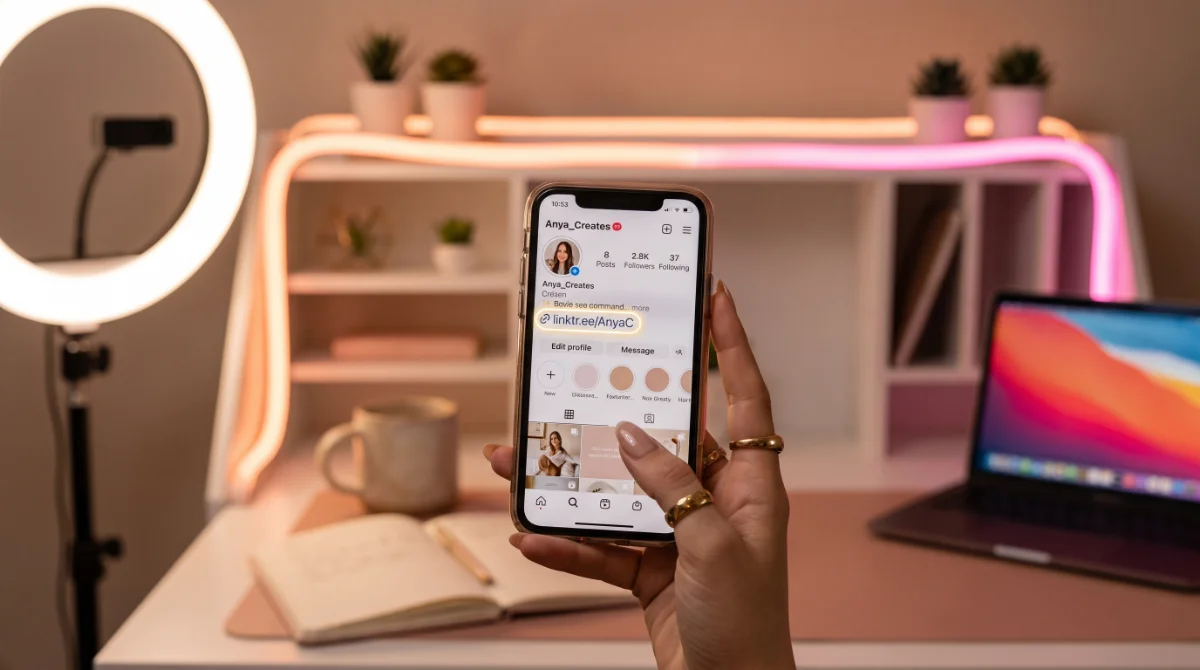
Someone who taps the link in your bio already likes you. Don't waste that click.
The setup, in three steps
- Open your Creator dashboard and find the Bio link card — that's your short link.
- Paste it into your Instagram (or TikTok, or X) bio.
- Hit Verify in the dashboard once it's live. We check the mention and mark your bio link verified.
Why verify?
A verified bio link tells the ranking you're actively sending fans in — and creators who send traffic get surfaced more. It's the single cheapest growth lever on the platform.
What fans see
Your link lands them straight on your LiquidPeach profile: your best photos, your vibe, your Chat with me button pointing at the platform where you actually sell. No detours, no confusion.
Pro tips
- Put the link in every bio you have — each platform is a separate stream of fans.
- Refresh your cover photo when you refresh your content. The card is the hook.
- Pair it with your Peach offer so fans who discover you in the deck get a reason to stick.
Five minutes of setup, permanent funnel. Go wire it up. 💦
Get found on LiquidPeach
The 18+ directory where fans discover their next favorite creator. Free listing, real verification, and your fans always end up on your platform.